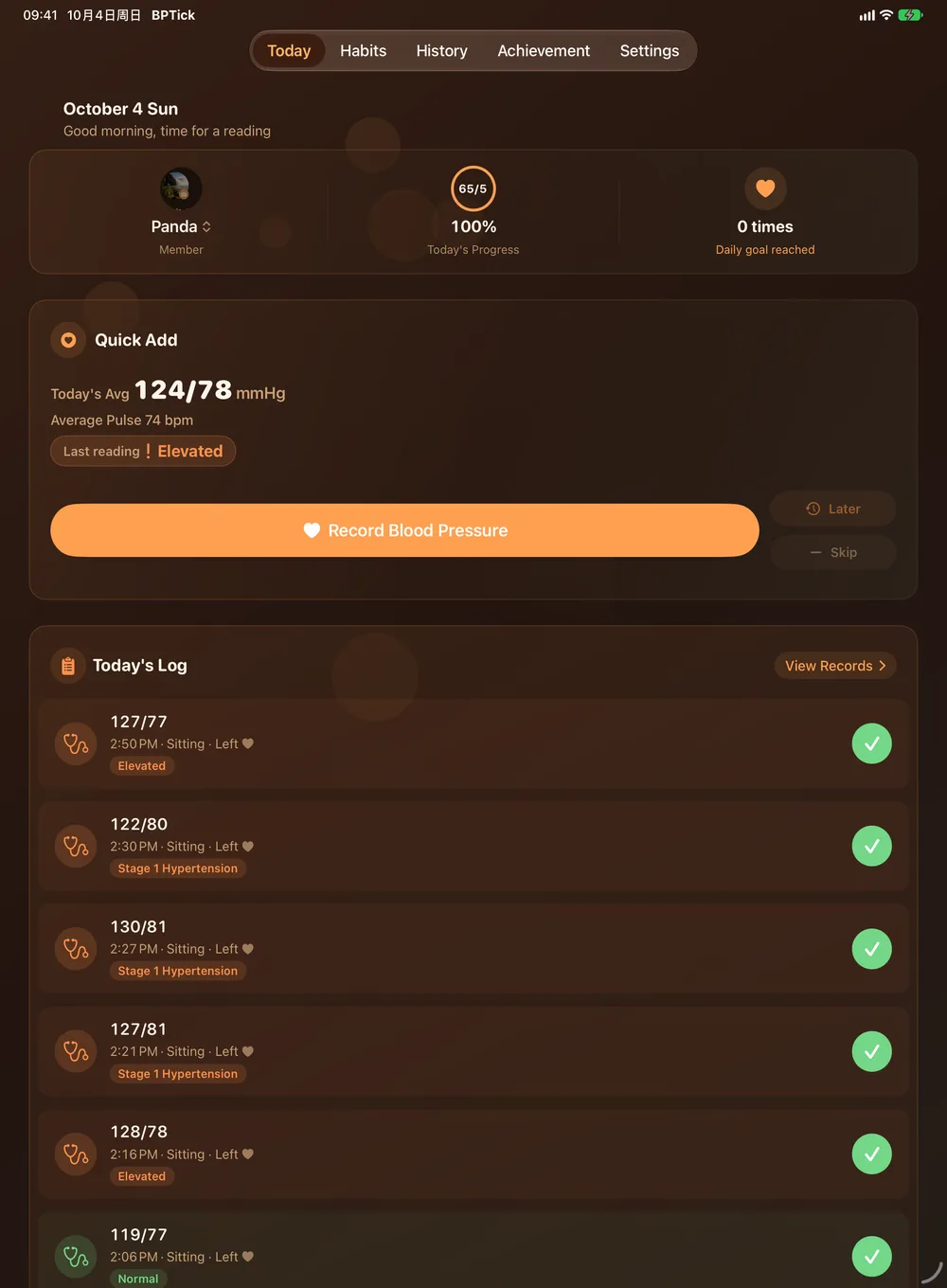
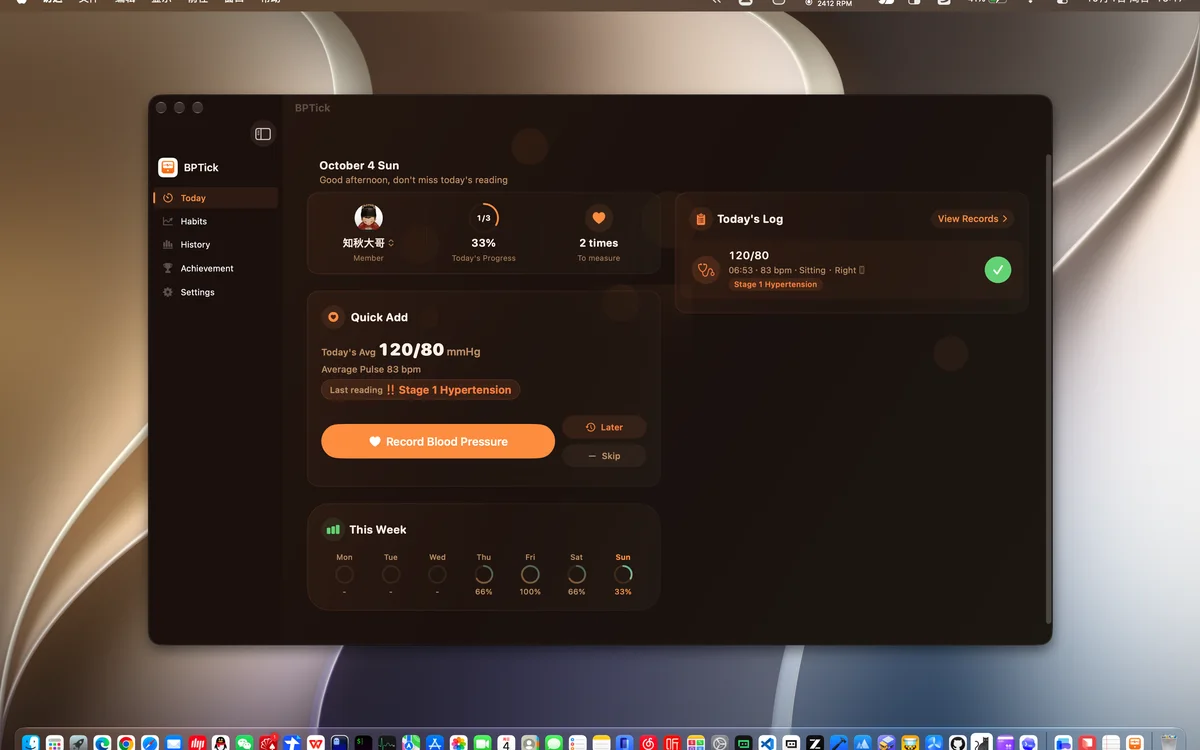
BPTick - Blood Pressure Diary: turn every reading into a clear trend

Slide the ruler to log systolic, diastolic and pulse in one go — no typing. Fixed-time or interval reminders keep you on schedule, five authoritative standards grade every reading automatically, and a PDF doctor report is one tap away. Separate profiles for the whole family. No ads, no sign-up.

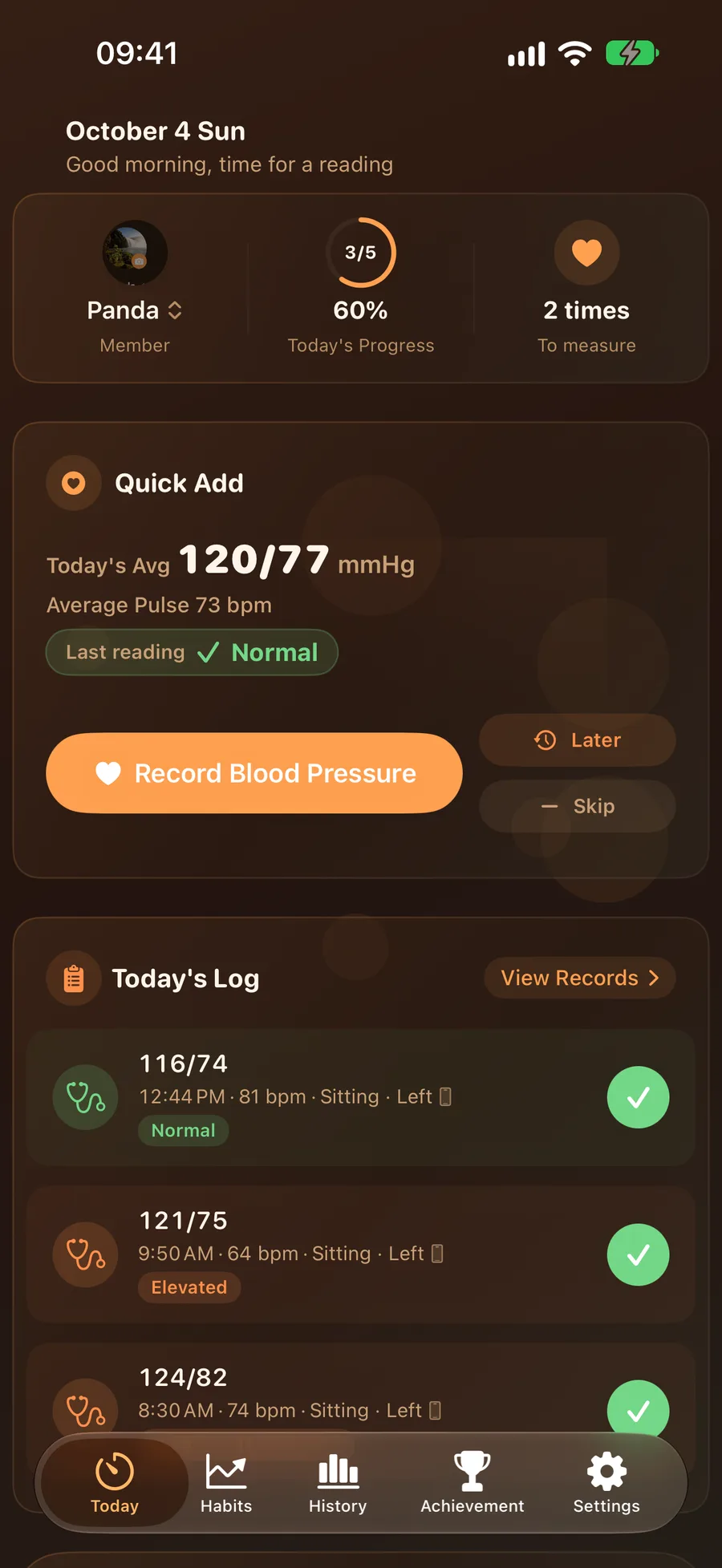
BPTick home
5grading standards
12home widgets
24languages
4devices in sync

A complete blood pressure log

Quick logging, timely reminders and trend insights that keep you measuring

Today at a glance
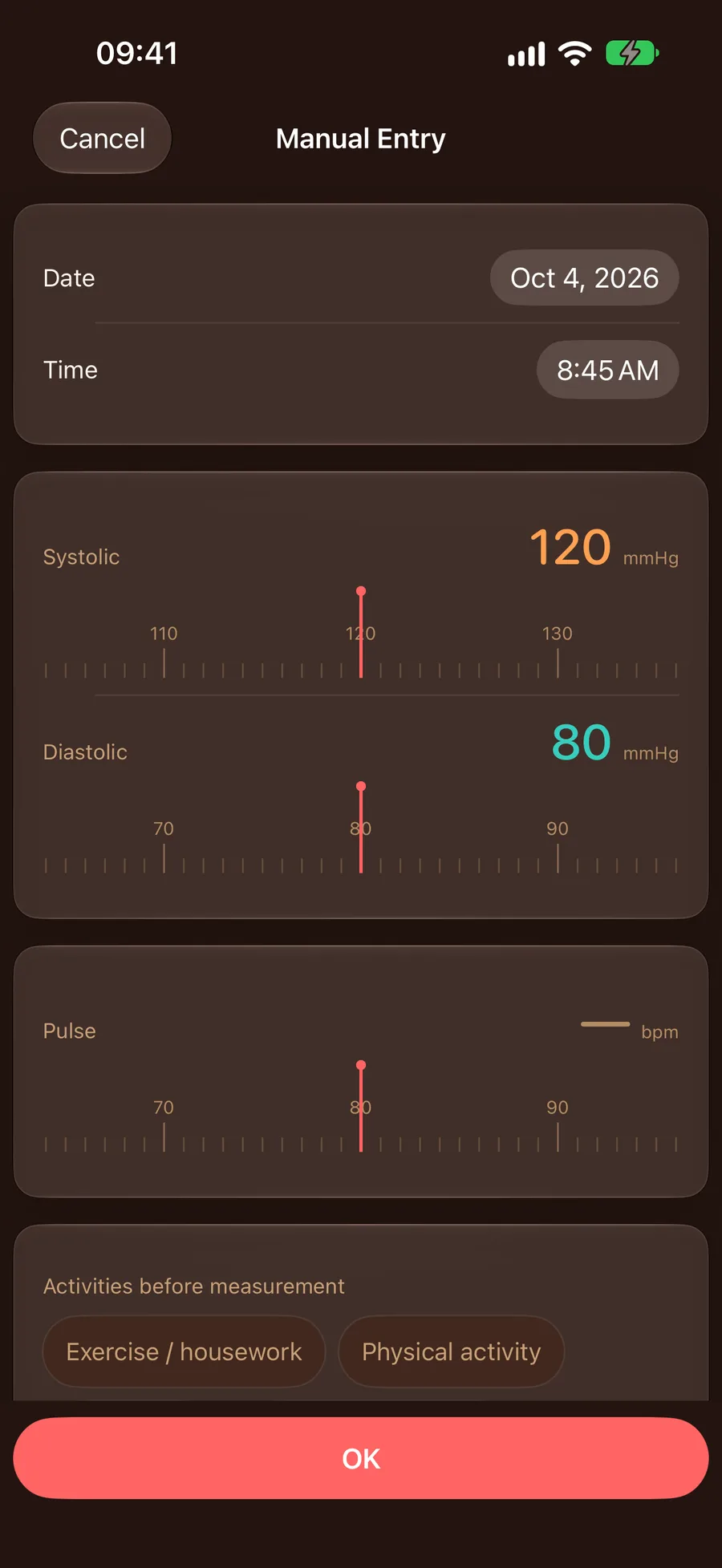
Ruler-style logging
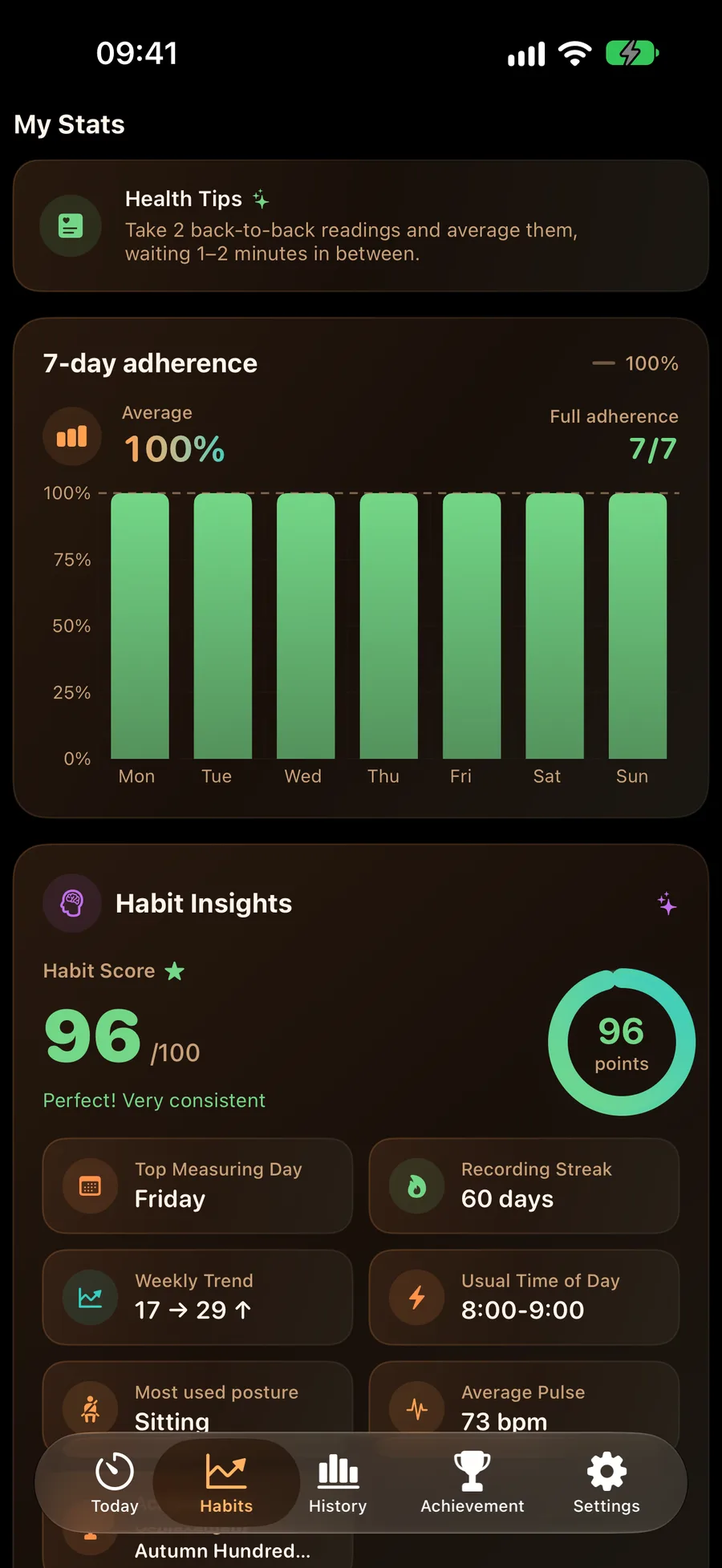
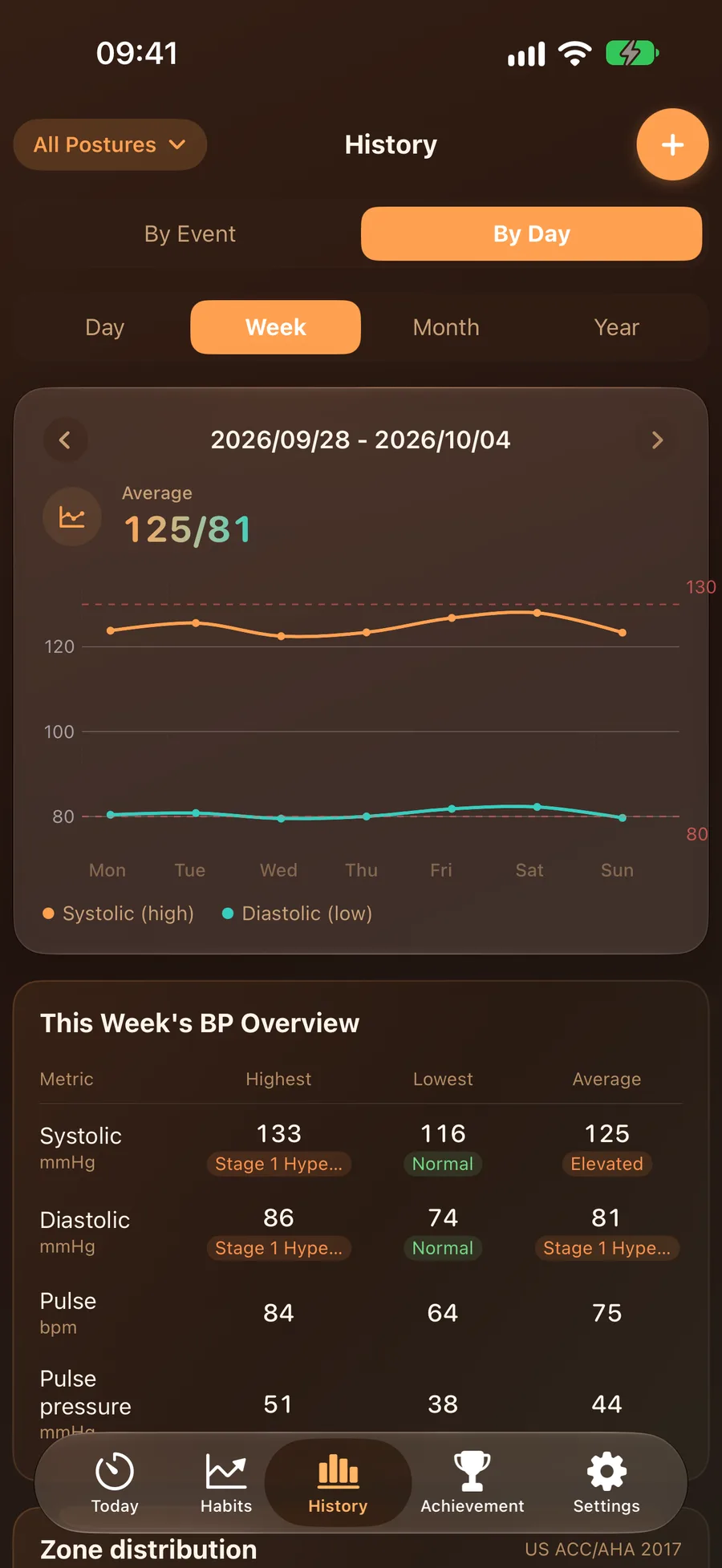
Trends & statistics
Ruler logging

Ruler-style quick logging

Adjust values by sliding a ruler — systolic, diastolic and pulse in one pass, no typing at all. Posture, arm and context can be logged too, giving your doctor the full picture.

Dual-mode reminders

Switch freely between fixed-time slots (morning/noon/evening) and interval reminders with your own window and frequency. Turn on “stop after today’s goal” and the app goes quiet once you’re done.

Reminder settings
Trend charts

Five standards, automatic grading & doctor reports

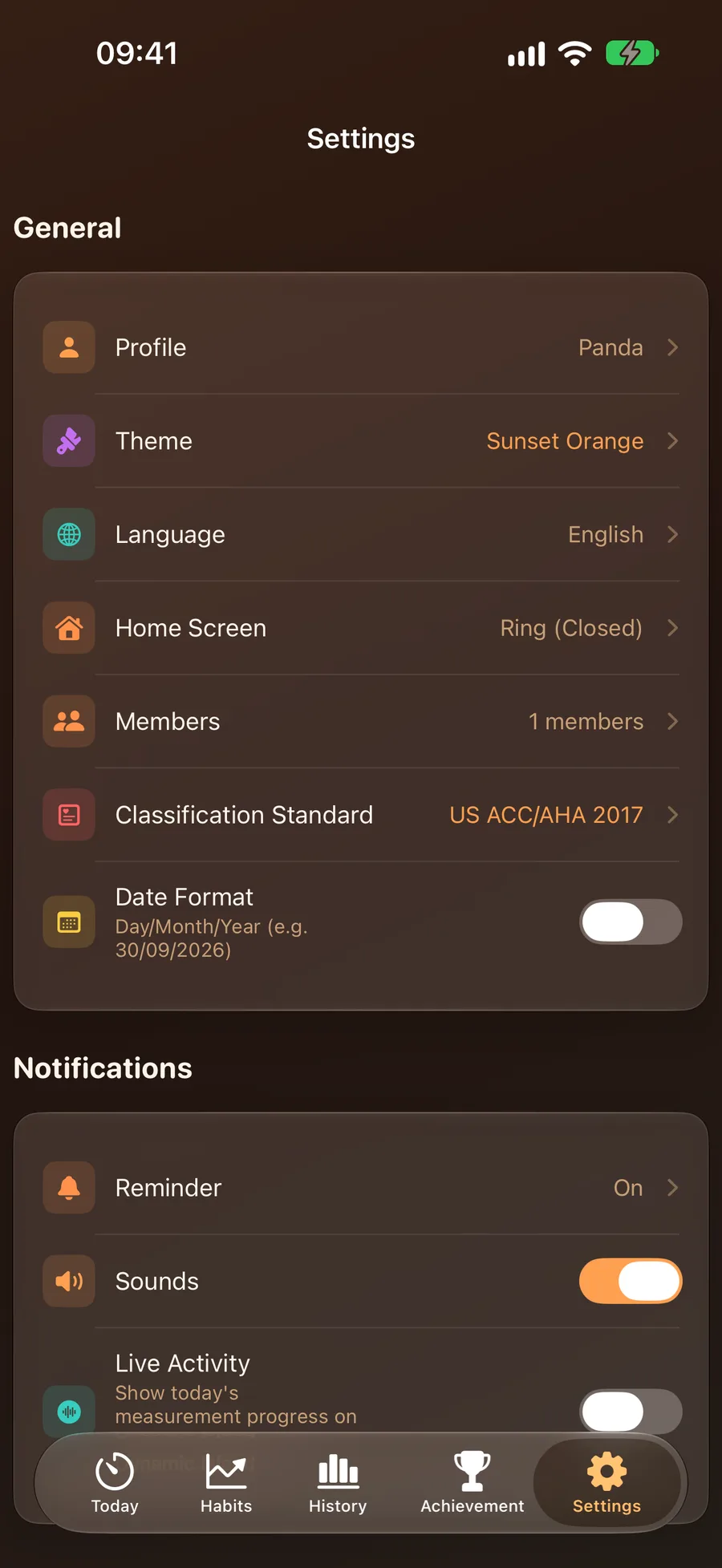
Five authoritative standards built in — China 2024 (home/clinic), US ACC/AHA 2017, Europe ESC 2024 and Japan JSH 2019 — grade every reading under your choice. Dual-line trends, category distribution and time-of-day insights at a glance, plus a one-tap PDF report for your next visit.

One app for the whole family

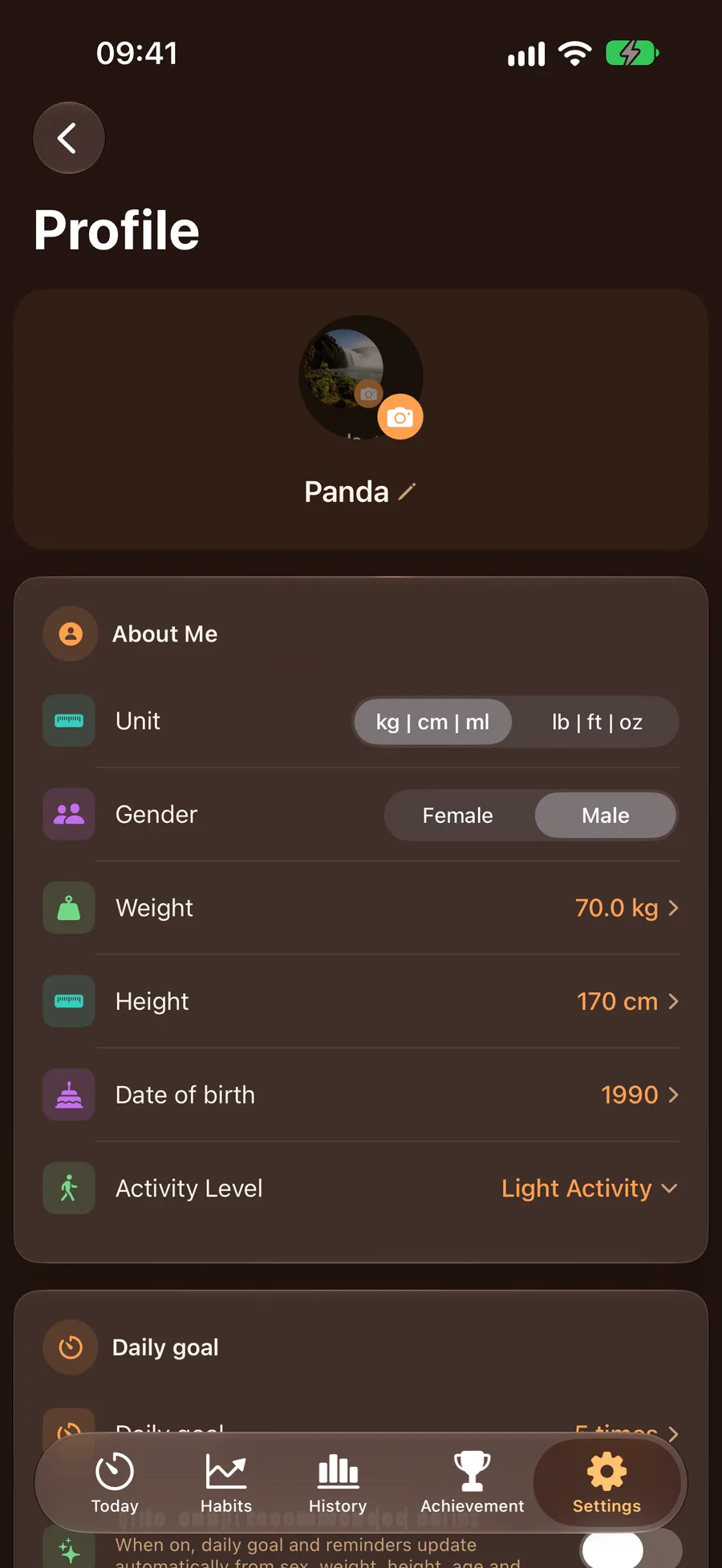
Give every family member their own profile with fully separate records, goals and reminders. iCloud keeps iPhone, Watch, iPad and Mac in sync, and Family Sharing covers everyone with one purchase.

Family profiles

Track Your Blood Pressure Diary on Apple Watch

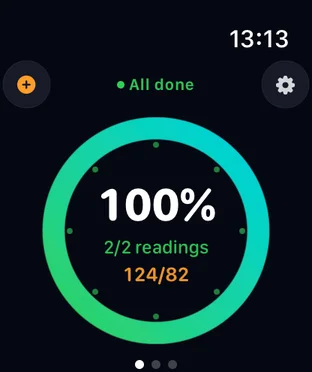
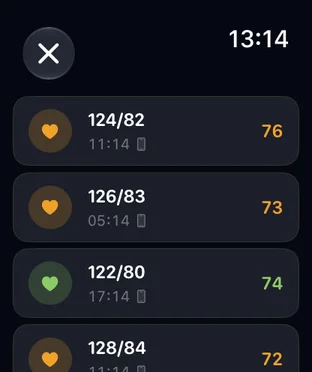
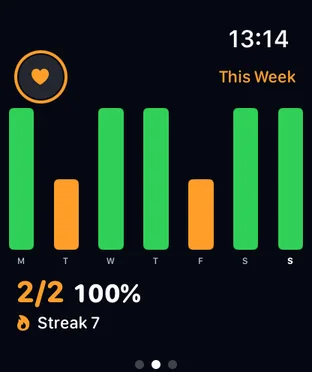
No phone needed — log blood pressure and pulse, check today’s progress and the latest reading right on your wrist. The Watch app runs independently and syncs in real time, with five home styles and complications.

Watch progress ring
Watch today’s log
Watch weekly stats

One App for the Whole Family

BPTick is a universal app that runs beautifully on iPhone, iPad, Mac and Apple Watch, with data synced automatically via iCloud

iPhone
iPhone
iPad
iPad
Mac
Mac
Apple Watch
Apple Watch

Download Now

Start logging, see the trend — from today on

Packed With Features

BPTick supports you every step of your BP management journey

Dark/Light Mode

Multiple polished themes with dark, light and system modes — the app feels fresh every day.

Home Screen Widgets

12 home and lock screen widgets (S/M/L sizes) show progress and the latest reading without opening the app.

iCloud Sync

Data syncs automatically across your devices. Log on iPhone and it appears instantly on iPad and Mac.

Dual-Mode Reminders

Fixed times or interval reminders — your call; goal-silence quiets the day once you’re done, with sounds and styles to choose.

Live Activities

Lock Screen Live Activities show your measurement progress at a glance, no app launch needed.

24 Languages

24 languages means BPTick speaks the interface you know, wherever you are.

Standalone Watch App

Log blood pressure and pulse right from the wrist with five home styles; runs independently with complications on the face.

PDF Doctor Report

Generate a PDF with patient info, summary and trend charts in one tap — hand it to your doctor.

Data Export

Export readings as CSV or JSON and back up your history anytime. Your data stays yours.

Subscriptions & purchase

Free covers logging and trends; Pro unlocks the extras — all with Family Sharing

Lifetime

¥128

One-time purchase, unlock all Pro features forever, no renewal required. Supports Family Sharing.

Monthly

¥8

Auto-renewable monthly subscription, flexible, cancel anytime. Supports Family Sharing.

Pro unlocks: unlimited members, month & year trends, full history, reminder sounds & message styles, Pro themes, all badges, 90-day & 1-year doctor reports, CSV/JSON export. Subscriptions can be cancelled anytime in your Apple ID settings.

Contact Us

Questions or feedback — we’d love to hear from you

Email Support

jusuoli2006@163.com

QQ Group

710641131

In-App Feedback

Settings → Help & Feedback → email us